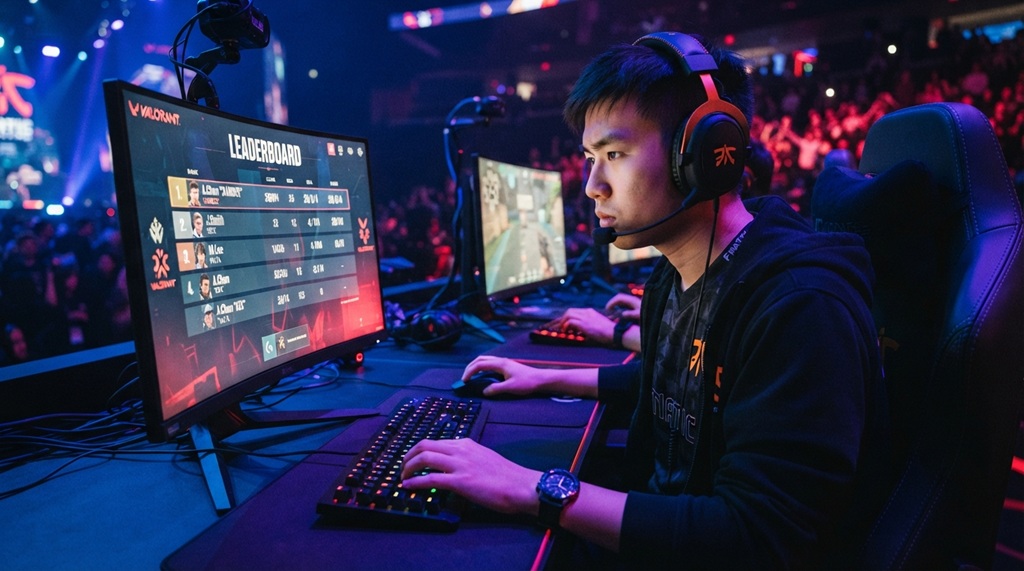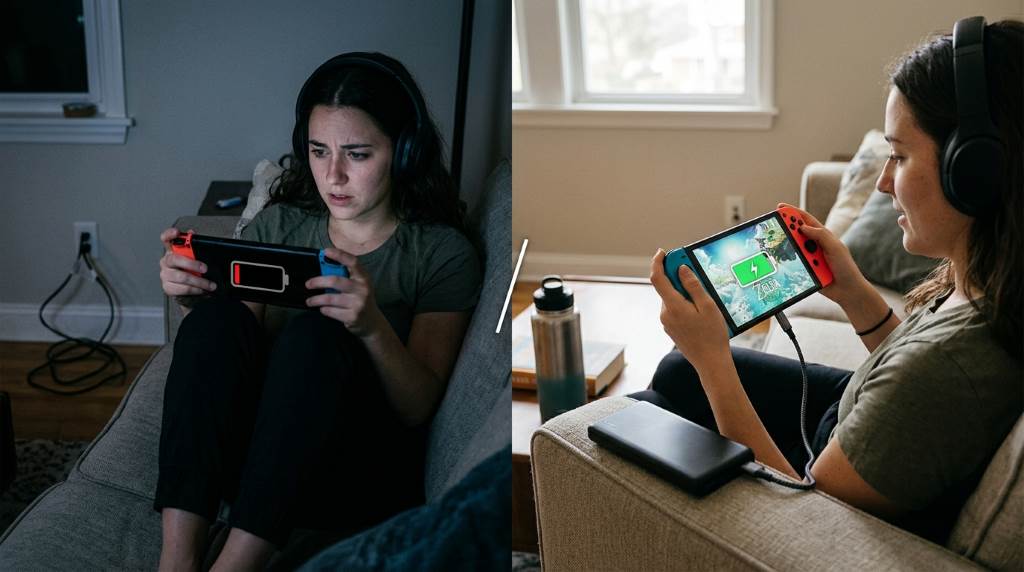
Mobile and handheld gaming keeps millions of players entertained every day, but battery drain often ends the fun too soon. Research shows that gaming can consume over twice the battery compared to regular app usage on many devices. Fortunately, a few smart adjustments can significantly extend playtime without hurting your experience. This guide explains practical methods that improve battery efficiency while maintaining smooth gameplay. Every recommendation focuses on real world performance, helping you enjoy longer gaming sessions with less charging and better overall device health.
Understand What Drains Your Battery During Gaming
Every game places different demands on your hardware. Graphics processing, display brightness, wireless connections, and background applications all consume valuable power. Therefore, understanding these factors helps you reduce unnecessary battery usage while maintaining enjoyable performance. You can also explore visually soothing games that generally require less processing power than demanding action titles.
High frame rates force the graphics processor to work continuously. Likewise, demanding visual effects increase both processor temperature and battery consumption. Reducing these settings often delivers surprisingly long gaming sessions.
Network intensive multiplayer games also increase battery drain. Constant communication with servers requires more power than offline gameplay. Consequently, offline games usually provide noticeably longer battery life.
Optimize Display Settings for Maximum Battery Savings
The screen remains one of the largest battery consumers during gaming. Lowering brightness immediately reduces energy usage without affecting gameplay mechanics. Furthermore, automatic brightness sometimes keeps the display brighter than necessary.
If your device supports adaptive refresh rates, select a lower refresh setting. Many games feel smooth at sixty frames per second while using less battery. Meanwhile, limiting refresh rates also reduces device heat.
Dark mode benefits devices with OLED displays because black pixels consume less energy. Although the savings vary between games, every small improvement contributes to longer sessions. These simple adjustments add meaningful battery gains over time.

Recommended Display Adjustments
- Reduce brightness to a comfortable minimum.
- Disable unnecessary visual enhancements.
- Use sixty hertz refresh rate when possible.
- Enable dark mode on supported devices.
- Turn off always on display features before gaming.
Adjust Game Graphics Without Losing Enjoyment
Many games include customizable graphics options for different hardware. Medium graphics settings often look excellent while using much less battery than ultra settings. Additionally, lowering shadows and reflections provides immediate efficiency improvements. If you enjoy skill based titles, reading handle sharp curves strategies can improve performance through better gameplay instead of higher graphics.
Frame rate limits offer another effective solution. Running games at sixty frames instead of one hundred twenty frames significantly lowers processor activity. Consequently, battery life increases while device temperatures remain lower.
Disable unnecessary effects such as motion blur and excessive particle animations. These features add visual flair but require extra graphics processing. Most players quickly adapt without noticing major differences.
Graphics Features Worth Reducing
- Shadow quality
- Reflection quality
- Motion blur
- Anti aliasing
- Particle effects
- Dynamic lighting
Close Background Apps Before Playing
Background applications silently consume processing power throughout your gaming session. Music streaming, cloud backups, and social media updates all reduce battery efficiency. Therefore, closing unused applications frees valuable system resources. Even collectors looking for a rarest Pokemon card guide should close browser tabs before starting a demanding game.
Many operating systems include battery optimization tools for background activity. Enable these features before launching your favorite games. As a result, your device focuses available resources on gameplay.
Restarting your device before extended gaming sessions also improves efficiency. Temporary processes disappear after rebooting, allowing the operating system to run more smoothly. This simple habit often extends battery life.
Use Battery Saver Features Wisely
Modern smartphones include battery saving modes that reduce unnecessary system activity. Some gaming modes balance performance with power consumption very effectively. However, extremely aggressive settings may reduce frame rates too much.
Test different battery modes with your favorite games before relying on them. Every device behaves differently depending on hardware and software optimization. Eventually, you will discover the best balance between performance and battery life.
Avoid enabling maximum performance modes unless absolutely necessary. Those settings often increase processor speeds and battery drain dramatically. Balanced performance usually delivers a much better gaming experience overall.
Manage Wireless Features Carefully
Wireless radios constantly consume power during gaming sessions. Disable Bluetooth whenever you are not using wireless accessories. Similarly, turning off GPS prevents unnecessary background location activity.
Airplane mode works well for offline games because it disables unnecessary wireless communication. Nevertheless, remember to reconnect when multiplayer features become important. Smart wireless management provides consistent battery improvements.
Stable WiFi generally consumes less power than weak cellular connections. Therefore, gaming on reliable wireless internet often improves both battery life and connection quality. Better signal strength also reduces network interruptions.
Keep Your Device Cool While Gaming
Heat forces batteries to work less efficiently during long gaming sessions. High temperatures also trigger automatic performance reductions that affect gameplay. Consequently, keeping devices cool benefits both battery life and gaming performance.
Remove thick protective cases if they trap excessive heat. Place your device on a hard surface instead of blankets or pillows. Better airflow naturally lowers operating temperatures.
Avoid charging while playing demanding games whenever possible. Charging creates additional heat that increases battery stress. Instead, recharge after completing your gaming session.
Choose Accessories That Support Longer Gaming Sessions
Quality accessories improve comfort and battery management simultaneously. Certified power banks provide reliable backup power during extended travel. Additionally, short charging cables reduce clutter when charging becomes necessary.
Cooling accessories may also help certain gaming devices maintain efficient operating temperatures. Although results differ between products, reducing heat often improves battery consistency. Always choose trusted accessories from reputable manufacturers.
Build Better Gaming Habits
Small daily habits create significant battery improvements over several weeks. Updating games regularly ensures you receive the latest optimization improvements. Developers frequently release updates that improve efficiency alongside bug fixes.
Monitoring battery health helps identify aging batteries before performance declines severely. Replacing worn batteries restores longer gaming sessions on supported devices. Healthy hardware always delivers more consistent gaming experiences.
Finally, avoid draining batteries completely every gaming session. Moderate charging habits generally support better long term battery health. Your device remains reliable for much longer with proper care.
Quick Battery Saving Checklist
- Lower screen brightness.
- Reduce graphics quality.
- Limit frame rate.
- Close background applications.
- Disable unused wireless features.
- Keep the device cool.
- Enable balanced battery saver mode.
- Play offline whenever possible.
- Update games regularly.
- Maintain healthy charging habits.
Conclusion
Learning how to save battery while gaming helps you enjoy longer sessions without constantly searching for a charger. Small changes in display settings, graphics options, wireless management, and device maintenance work together for impressive improvements. Start with the easiest adjustments, measure your results, and continue refining your setup. Apply these practical tips today and enjoy smoother, longer, and more efficient gaming every time you play.
Frequently Asked Questions
Does lowering brightness really improve gaming battery life?
Yes, reducing screen brightness is one of the fastest and most effective ways to save battery.
Should I use battery saver mode while gaming?
Yes, balanced battery saver modes often extend playtime without causing major performance losses.
Do higher frame rates drain more battery?
Yes, higher frame rates require more graphics processing and increase battery consumption.
Can overheating reduce battery performance?
Yes, excessive heat lowers battery efficiency and may reduce gaming performance.
Are offline games better for battery life?
Yes, offline games usually consume less power because they avoid constant network communication.