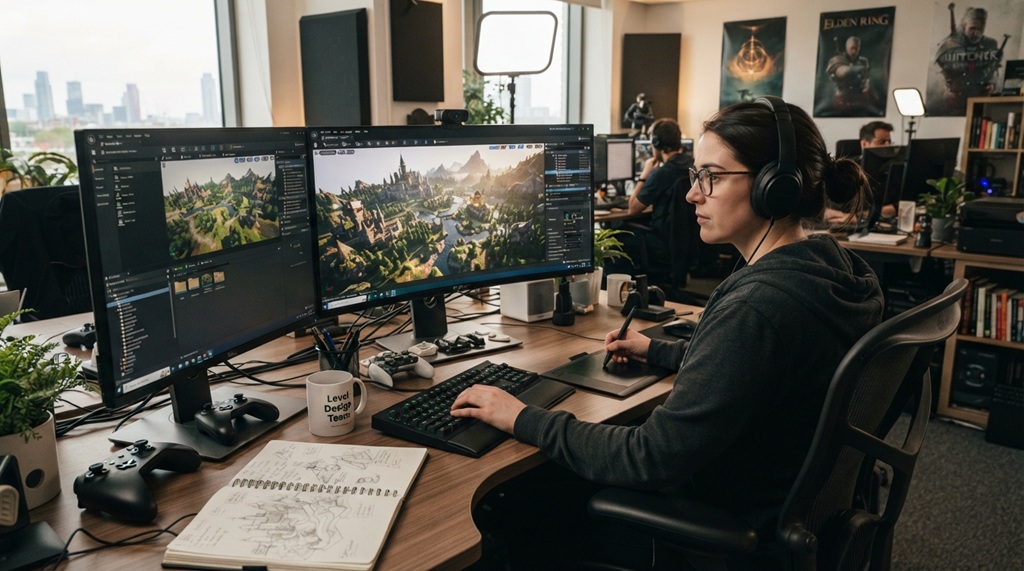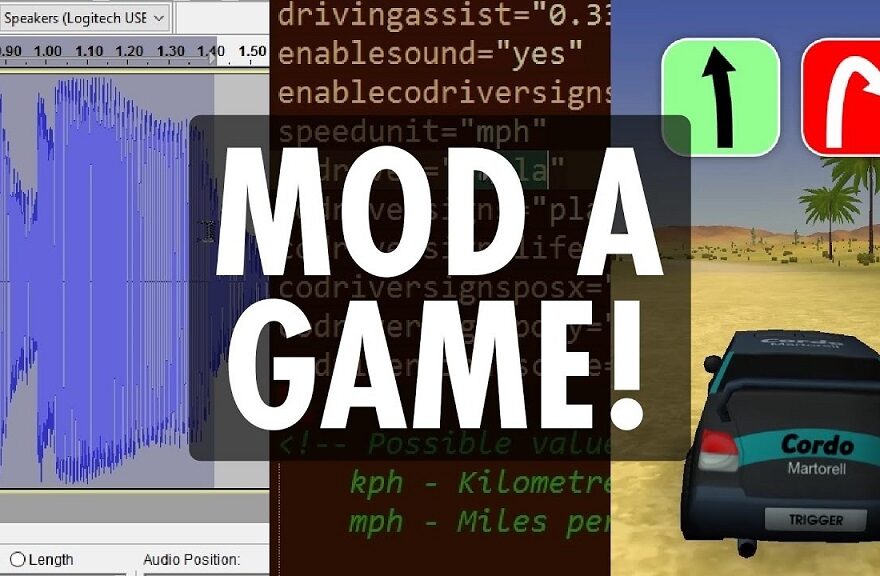
Have you ever played a game and thought, “This would be even better with my own twist”? That thought alone makes you a prime candidate for modding. Game mods—or modifications—give players the tools and creative freedom to change, enhance, or completely overhaul their favorite games. Whether it’s introducing new characters, changing game mechanics, or building entirely new worlds, modding empowers players to shape gaming experiences that reflect their creativity and preferences.
From classics like Skyrim, Minecraft, and Grand Theft Auto V, to indie titles and simulators, modding has become a major pillar of gaming culture. This comprehensive guide is designed to take you from a complete beginner to a confident, intermediate-to-advanced modder, no matter which game you’re passionate about.
What Is Game Modding?
Game modding is the process of altering a video game’s content to create new gameplay features, visuals, or narratives. Mods can range from simple texture changes and weapon tweaks to full-fledged expansion packs and overhauls.
Mods fall into several categories:
- Visual mods (graphics, textures, lighting)
- Gameplay mods (mechanics, rules, difficulty)
- Content mods (new quests, items, characters)
- Utility mods (UI enhancements, performance tweaks)
- Total conversion mods (new games built on existing engines)
Why Learn to Create Game Mods?

Before diving into the technical details, let’s address why creating game mods is so popular:
- Creative expression: You get to bring your ideas to life.
- Skill development: Learn scripting, 3D modeling, design, and problem-solving.
- Community building: Modding connects you with global gaming and development communities.
- Career stepping-stone: Many developers start as modders (CD Projekt Red and Valve have hired from modding communities).
Getting Started: Tools You’ll Need
Before you mod a game, you’ll need the right tools. These depend on the game you’re modding, but here’s a general toolkit:
-
Modding Platforms and Editors
- Bethesda Creation Kit (for Skyrim, Fallout)
- Forge or Fabric Mod Loader (for Minecraft Java Edition)
- OpenIV (for GTA V)
- Unity or Unreal Editor (for games built on Unity or Unreal Engine)
-
Coding and Scripting Tools
- Visual Studio Code or Notepad++
- Python, Lua, or C# knowledge (game-specific scripting languages)
-
Graphic and 3D Modeling Tools
- GIMP or Photoshop (for textures and skins)
- Blender or 3DS Max (for 3D modeling)
-
File Management Tools
- WinRAR or 7-Zip to handle compressed game files
- Backup software to avoid corrupting game data
Beginner Modding Projects
Starting small is the key to building confidence. Here are some beginner-friendly ideas and projects:
-
Texture Swaps
Change the color or appearance of in-game objects or characters. For example, give your Skyrim sword a glowing effect or change a Minecraft block texture.
Skills Involved: Image editing, file replacement, basic file structure understanding.
-
Custom Skins
Create unique outfits or character skins using image-editing software. Games like Among Us and Minecraft have large skin modding communities.
-
Simple Script Mods
Modify damage values or item properties using simple code snippets. For instance, increase weapon power or adjust NPC behavior using basic scripting.
Recommended Game: Fallout 4 (Creation Kit), Minecraft (Java Edition), The Sims 4.
Intermediate Modding Techniques
Once you’re comfortable, you can begin exploring deeper layers of game modification.
-
Custom Weapons or Items
Design and introduce new weapons or in-game items using 3D modeling and scripting. You’ll need to define stats, behavior, and how the item integrates with the game’s systems.
-
UI and HUD Enhancements
Customize your Heads-Up Display (HUD) or menus. Modify layouts, health bars, or add helpful shortcuts.
-
Quest Creation
Games like Skyrim and Fallout allow you to create custom quests complete with dialogue, NPCs, and branching outcomes.
Skills Involved: Intermediate scripting, dialogue trees, event triggers.
-
Mod Compatibility
As you add more mods, ensuring compatibility becomes important. Learn about load order, patches, and mod conflict resolution.
Advanced Modding Projects
At this stage, you’re ready to create mods that require a higher level of planning, collaboration, and technical proficiency.
-
Total Conversion Mods
Develop an entirely new game using the engine of an existing one. Examples include:
- Enderal (a total conversion of Skyrim)
- Counter-Strike (originally a mod of Half-Life)
-
Multiplayer Modding
Add multiplayer functionality to single-player games, or create custom game modes for existing multiplayer titles.
-
AI and Behavior Scripts
Write custom AI behavior, enemy patterns, or dynamic difficulty systems using game-specific APIs or scripting languages.
-
Performance Optimization
Create mods that improve frame rates, reduce memory usage, or offer customizable graphic settings.
Tips for a Successful Modding Journey
- Join modding forums (Nexus Mods, ModDB, Steam Workshop, Reddit)
- Read documentation thoroughly for each game and tool you use
- Back up your files before testing mods
- Start small and build up
- Test often and document your changes
- Respect game developers’ modding policies (some games ban mods or online modding)
SEO Keywords & Secondary Terms to Use in Modding Articles:
(Integrated into the article for SEO without stuffing)
- game modding tutorial
- how to create mods
- beginner game modding
- modding tools
- modding Minecraft, Skyrim, GTA
- how to make custom game mods
- video game development
- 3D game modeling
- learn game design
- game scripting basics
Common Modding Challenges (And How to Overcome Them)
❌ Game Crashes
Solution: Ensure mod compatibility, correct file paths, and always test in increments.
❌ Mod Conflicts
Solution: Use tools like LOOT (for Skyrim/Fallout), or Minecraft Mod Manager for mod sorting.
❌ Corrupted Saves
Solution: Backup your saves before installing a new mod and test each one individually.
Legal and Ethical Considerations
- Don’t steal assets. Always create your own or use open-source material with credit.
- Follow game TOS. Some games don’t allow modding in multiplayer or online environments.
- Credit your sources. If using others’ frameworks or code snippets, always give proper credit.
Conclusion: Turn Your Gaming Passion into a Creative Powerhouse
Game modding is no longer just a fringe hobby—it’s a gateway to creativity, community engagement, and even a professional career. Whether you’re adding a glowing sword to Skyrim, scripting new mechanics in Minecraft, or building a total conversion game, modding opens up limitless possibilities.
So don’t just play—create. Pick a game you love, start small, and let your imagination lead the way. You’ll be surprised at how quickly you can go from beginner modder to an influential creator in the gaming world.
Read More Also: How to Install Custom Mods on PC, Xbox, or PlayStation
✅ Call to Action (CTA)
Ready to create your first game mod?
Download your game’s modding toolkit today and join a community like NexusMods.com or ModDB.com to get feedback, share your creations, and learn from others.
Want more tutorials and modding tips? Subscribe to our blog and never miss a new guide!