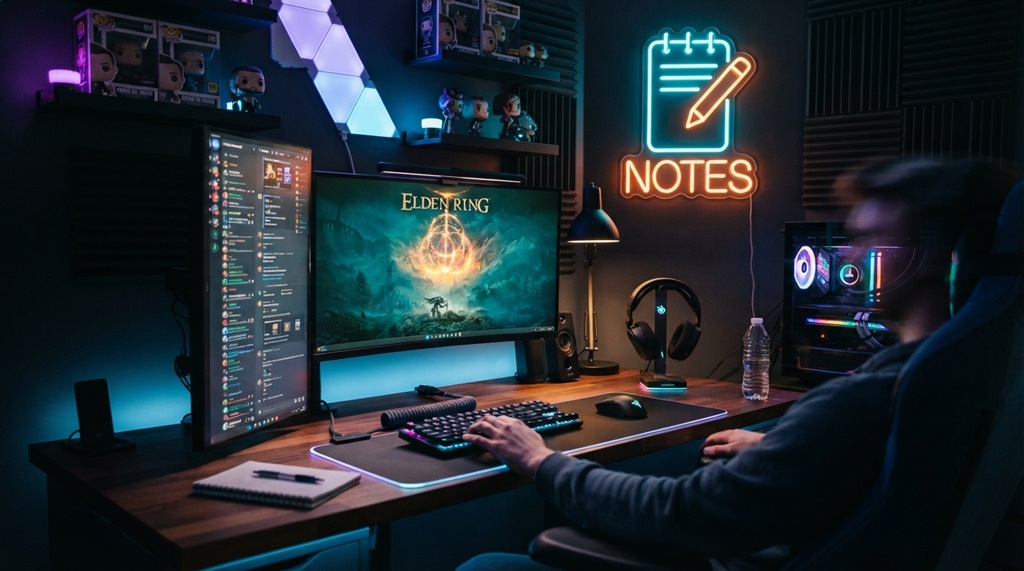
Imagine sinking into your gaming chair, the room dim, anticipation high. Your 32-inch monitor glows, pulling you into a world of vibrant colors and lightning-fast action. But which brand delivers the ultimate gaming experience—Asus or LG? In this journey, we’ll compare their 32-inch gaming monitors, diving into OLED brilliance, refresh rates, and more. Whether you’re chasing esports glory or immersive storytelling, this review unravels the strengths of Asus ROG and LG UltraGear. Let’s explore display quality, performance, and design to find your perfect gaming companion. Ready to level up? Let’s dive in!
Unveiling Display Technology: OLED Panels and Color Gamuts
Picture a battlefield where every hue pops with lifelike clarity. Both Asus ROG Swift OLED PG32UCDM and LG UltraGear 32GS95UE-B use cutting-edge OLED panels, delivering inky blacks and vibrant colors. Asus employs third-generation QD-OLED for a peak brightness of 1000 nits, while LG’s second-generation MLA WOLED hits 1300 nits, making HDR content shine brighter. Both achieve 4K UHD (3840 x 2160), ensuring sharpness and crisp text with pixel densities around 139-140 ppi.
However, LG’s Dual-Hz technology lets you switch to 1080p at 480Hz for esports, a game-changer for competitive players. Asus counters with excellent sRGB coverage, ideal for content creators. Both monitors support HDR10, but LG’s higher brightness enhances 4K HDR visuals. For color accuracy, LG’s factory calibration slightly edges out Asus, though both excel in DCI-P3 coverage. Your choice depends on whether you prioritize brightness or versatility.
Refresh Rate and Response Time: Speed for Every Gamer
Speed is the heartbeat of gaming. Asus and LG monitors boast a blazing 0.03ms response time, eliminating ghosting in fast-paced titles. Both offer a 240Hz refresh rate at 4K, ensuring smooth visuals in games like Cyberpunk 2077. LG’s Dual-Mode feature, however, steals the show, offering 480Hz at 1080p for esports titles like Valorant, reducing input lag to near-zero.
Asus doesn’t lag far behind, with G-Sync Compatible and FreeSync Premium Pro for tear-free gaming. Its VRR flicker reduction system minimizes distractions, a boon for prolonged sessions. LG’s 480Hz mode gives it an edge for competitive players, but Asus’s consistent performance across resolutions suits casual gamers. Both monitors excel in motion handling, but LG’s versatility makes it a favorite for esports enthusiasts. Choose based on your gaming style—fast-paced or immersive.
Design and Ergonomics: Comfort Meets Style
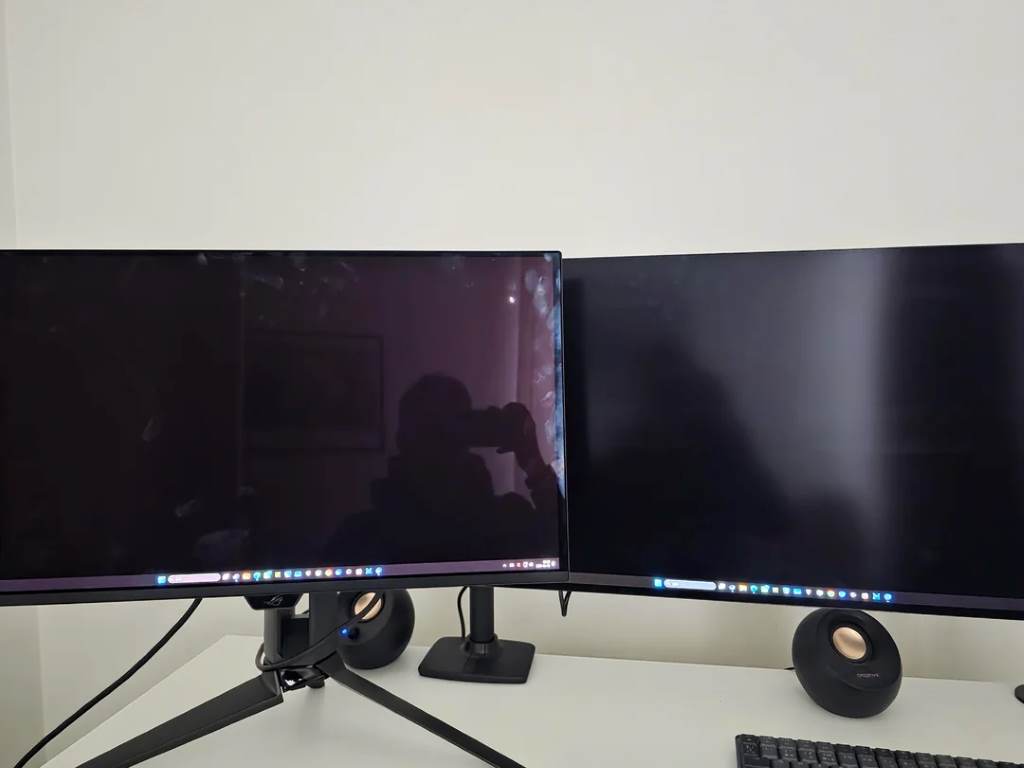
Your monitor isn’t just a screen; it’s part of your setup’s soul. Asus ROG Swift OLED PG32UCDM sports a bold, gamer-centric design with RGB lighting and a sturdy stand. Its KVM switch and USB-C port with power delivery make it a hub for multitasking, perfect for streamers. However, its height adjustment is limited to 3.1 inches, which may restrict ergonomic flexibility.
LG UltraGear 32GS95UE-B opts for a minimalist look, blending seamlessly into any setup. It offers better tilt range and stereo speakers, enhancing immersion. Both support VESA mounts for custom setups, but LG’s matte panel reduces glare slightly better than Asus’s anti-reflective coating. Asus’s stand is bulkier, but its cable management keeps desks tidy. For office work or gaming marathons, LG’s ergonomics shine, while Asus appeals to those craving a flashy aesthetic.
Connectivity and Features: Your Gaming Hub
A monitor’s ports can transform it into a command center. Asus excels with two HDMI 2.1 ports, a DisplayPort, and a USB-C connection with 90W power delivery, ideal for connecting consoles and laptops. Its KVM switch lets you control multiple devices effortlessly, a perk for content creators. Additionally, Asus includes a tripod thread for streaming setups.
LG offers one HDMI 2.1 port and a DisplayPort, with three USB ports for peripherals. Its Dual-Hz technology and FreeSync Premium Pro ensure smooth gameplay, but it lacks Asus’s USB-C versatility. Both support G-Sync and adaptive-sync, minimizing screen tearing. For gamers juggling multiple devices, Asus’s connectivity wins, but LG’s focus on gaming performance keeps it competitive. Consider your setup’s needs when choosing.
Pros and Cons: Weighing the Trade-Offs
Every hero has strengths and flaws. Here’s a quick breakdown to guide your decision:
- Asus ROG Swift OLED PG32UCDM Pros:
- Superior connectivity with USB-C and KVM switch.
- Vibrant QD-OLED panel with excellent sRGB coverage.
- Anti-glare coating reduces reflections.
- G-Sync Compatible for tear-free gaming.
- Sleek design with RGB lighting.
- Asus Cons:
- Limited height adjustment (3.1 inches).
- Lower peak brightness (1000 nits).
- No 480Hz mode for esports.
- LG UltraGear 32GS95UE-B Pros:
- Dual-Mode (4K 240Hz/FHD 480Hz) for versatility.
- Higher peak brightness (1300 nits) for HDR.
- Better tilt range and stereo speakers.
- Matte panel minimizes glare.
- Excellent color calibration for creators.
- LG Cons:
- Fewer HDMI ports (one vs. two).
- No USB-C power delivery.
- Minimalist design may lack flair.
Both monitors shine, but Asus leans toward versatility, while LG dominates in gaming flexibility.
Burn-In and Longevity: Addressing OLED Concerns
OLED monitors dazzle, but burn-in worries linger. Both Asus and LG use advanced OLED panels to mitigate this. Asus’s third-generation QD-OLED includes firmware updates to reduce burn-in risk, while LG’s MLA WOLED has a flicker reduction system to protect the panel. Posts on X suggest LG’s IPS monitors avoid burn-in entirely, but its OLEDs require careful use, like avoiding static images for long periods.
Asus offers a robust warranty, covering burn-in, which boosts confidence. LG’s Dual-Mode feature lets you switch resolutions, reducing static element exposure. Both brands recommend using screensavers or auto-hide features during prolonged office work. With proper care, burn-in is manageable, but Asus’s warranty and LG’s flexibility offer peace of mind. Check manufacturer settings guides for optimal panel maintenance.
Discover Now:
- 2025’s Trending Indoor and Outdoor Games: What Everyone’s Playing Now
- Unlocking Grandmaster Glory: Your Complete Guide to Free Fire Clash Squad Stars
Price and Value: Balancing Cost and Features
Value matters in your gaming quest. Asus ROG Swift OLED PG32UCDM retails around $1200, reflecting its premium features like USB-C and KVM switch. LG UltraGear 32GS95UE-B, priced similarly, offers Dual-Hz technology and brighter HDR, making it a strong contender for gamers. Both justify their cost with 4K UHD, 240Hz, and OLED brilliance, but Asus’s connectivity edges out for multitaskers.
LG’s stereo speakers and ergonomic design add value for immersive setups, while Asus’s G-Sync Compatible and anti-reflective coating appeal to competitive players. If budget is tight, consider alternatives like the Samsung Odyssey G5 or Gigabyte G32QC, though they lack OLED’s contrast ratio. For top-tier performance, both monitors deliver, but LG’s Dual-Mode gives it a slight edge for esports.
Conclusion: Your Perfect 32-Inch Gaming Monitor Awaits
Your gaming journey deserves a monitor that matches your passion. Asus ROG Swift OLED PG32UCDM and LG UltraGear 32GS95UE-B are titans in the 32-inch arena, blending OLED panels, 4K sharpness, and blazing refresh rates. LG’s Dual-Hz technology and brighter HDR make it ideal for esports and immersive titles, while Asus’s connectivity and sleek design cater to creators and casual gamers. Both tackle burn-in with smart features, ensuring longevity. Whether you crave LG’s versatility or Asus’s hub-like functionality, your choice hinges on gaming style and setup needs. Dive into the comments below to share your pick or ask questions! Ready to elevate your game? Share this review with fellow gamers!
FAQs
Which monitor is better for esports gaming?
LG UltraGear 32GS95UE-B excels with its 1080p 480Hz Dual-Mode, offering unmatched responsiveness for competitive titles like Valorant.
Do Asus and LG monitors support Dolby Vision?
Neither supports Dolby Vision; both use HDR10 for vibrant HDR performance, with LG offering higher peak brightness.
How do I prevent burn-in on these OLED monitors?
Use screensavers, enable auto-hide features, and avoid static images. Both brands include firmware to reduce burn-in risk.
Are these monitors suitable for office work?
Yes, Asus’s KVM switch and USB-C make it ideal for multitasking, while LG’s ergonomic design suits long sessions.
Which monitor has better connectivity options?
Asus ROG Swift OLED PG32UCDM offers more ports, including USB-C with power delivery and two HDMI 2.1 ports.